

What is 3D Secure authentication?
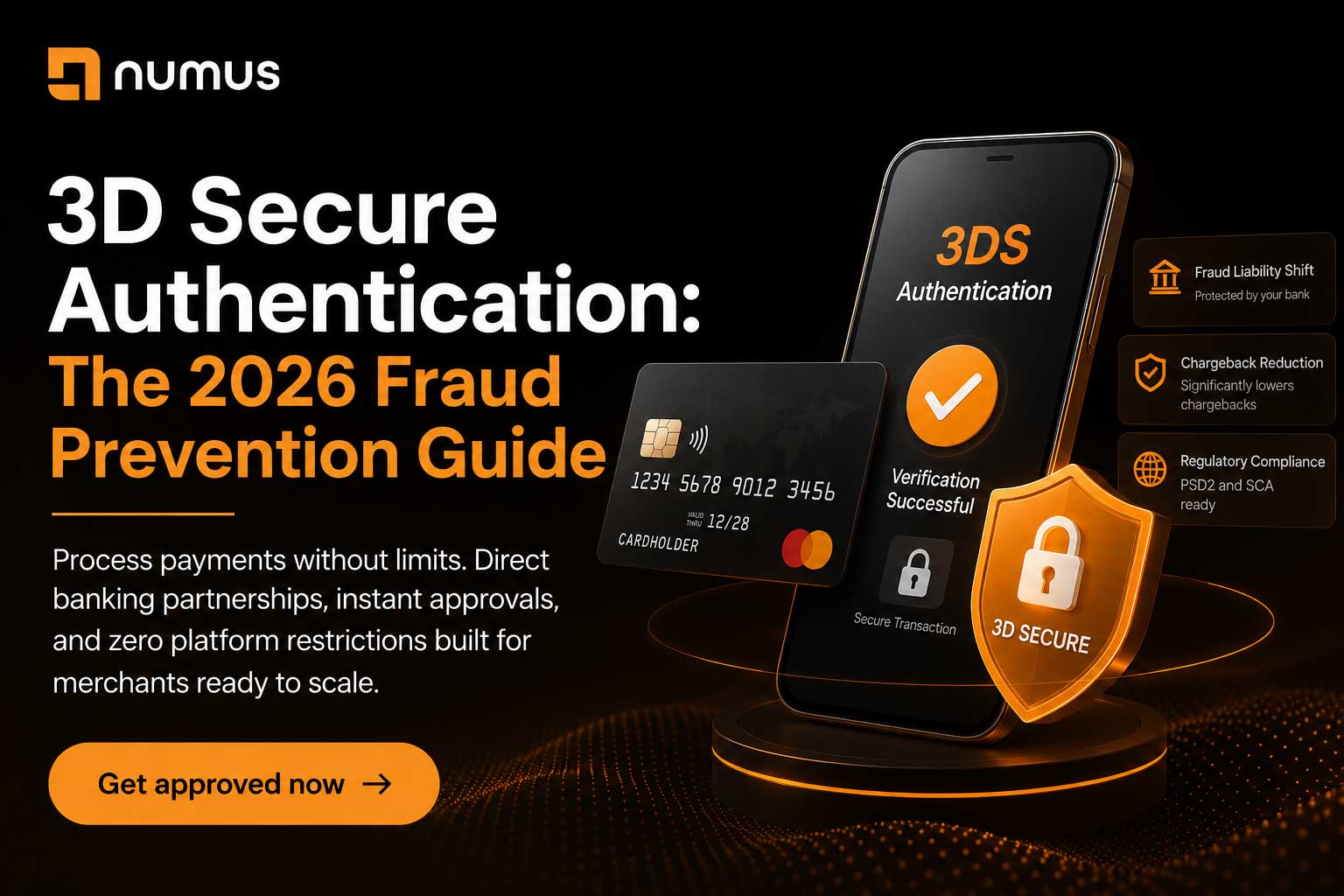
3D Secure (3DS) is an authentication protocol that requires customers to verify their identity (usually with a password or biometric) when making online purchases. The protocol shifts fraud liability from the merchant to the issuing bank, meaning if a fraudulent transaction is authenticated through 3DS, the merchant is not liable for chargebacks. 3D Secure is mandatory in Europe (under PSD2 regulations) and increasingly required by payment processors worldwide as a fraud prevention measure.
For any ecommerce merchant, 3D Secure is one of the most powerful fraud prevention tools available. It virtually eliminates friendly fraud and significantly reduces criminal fraud.
However, 3D Secure also reduces conversion rates because it adds an extra step to the checkout process. This guide explains how 3D Secure works, the pros and cons, and the best practices for implementing it.
Table of Contents
- What is 3D Secure authentication?
- How 3D Secure Works
- 3D Secure Versions: 3DS 1.0 vs. 3DS 2.0
- When to Implement 3D Secure
- The Pros and Cons of 3D Secure
- Frequently Asked Questions (FAQ)
1. How 3D Secure Works
3D Secure is a three-party authentication protocol involving the customer, the merchant, and the customer’s bank.
The 3D Secure Flow
- Customer enters their card details at checkout.
- Merchant’s payment gateway detects that 3DS is required (or enabled).
- Customer is redirected to their bank’s authentication page.
- Customer verifies their identity (password, biometric, SMS code, etc.).
- Bank returns an authentication result to the merchant.
- If authentication is successful, the transaction is processed.
- If authentication fails, the transaction is declined.
The Key Benefit
If a transaction is authenticated through 3DS, the issuing bank guarantees the transaction. If the customer later claims they never authorized the transaction, the bank is liable for the chargeback, not the merchant.
2. 3D Secure Versions: 3DS 1.0 vs. 3DS 2.0
There are two versions of 3D Secure, with significant differences.
3D Secure 1.0 (Legacy)
• Authentication Method: Password-based. Customer enters a password at their bank’s page.
• User Experience: Clunky. Customers often abandon carts because the authentication process is confusing.
• Conversion Impact: Significant negative impact. Conversion rates drop 5% to 15%.
3D Secure 2.0 (Modern)
• Authentication Method: Risk-based. The bank evaluates the risk of the transaction and may not require authentication for low-risk transactions. For higher-risk transactions, authentication uses biometric or one-time codes instead of passwords.
• User Experience: Much better. Most transactions do not require any authentication. High-risk transactions use modern authentication methods.
• Conversion Impact: Minimal negative impact. Conversion rates drop only 1% to 3%.
3. When to Implement 3D Secure
3D Secure is not required for all transactions, but it is highly recommended for high-risk scenarios.
When 3DS is Mandatory
• Europe: PSD2 regulations require 3DS for most online transactions.
• High-Risk Merchants: If you operate a high-risk business, your processor may require 3DS.
• High-Risk Transactions: Large transactions or transactions from unusual geographies.
When 3DS is Optional
• Low-Risk Merchants: If you operate a low-risk business with low chargebacks, 3DS is optional.
• Subscription Billing: For recurring transactions, 3DS is typically not required (the first transaction is authenticated, subsequent transactions are not).
4. The Pros and Cons of 3D Secure
The Pros
• Fraud Liability Shift: Authenticated transactions shift fraud liability to the issuing bank.
• Chargeback Reduction: 3DS significantly reduces chargebacks.
• Regulatory Compliance: Required in Europe and increasingly required globally.
The Cons
• Conversion Impact: Even with 3DS 2.0, there is a small negative impact on conversion rates.
• Customer Friction: Some customers find the authentication process annoying.
• Technical Complexity: Implementing 3DS requires integration with your payment gateway.
5. Frequently Asked Questions (FAQ)
Does 3D Secure eliminate all fraud?
No. 3D Secure eliminates friendly fraud and significantly reduces criminal fraud, but it does not eliminate all fraud.
Can I use 3D Secure for all transactions?
Yes, but it is not recommended. Using 3DS for all transactions will negatively impact your conversion rate. Use 3DS selectively for high-risk transactions.
What is the difference between 3DS and CVV?
CVV (Card Verification Value) is a three-digit code on the back of the card. It is a basic fraud check but does not provide liability protection. 3DS is a full authentication protocol that provides liability protection.