


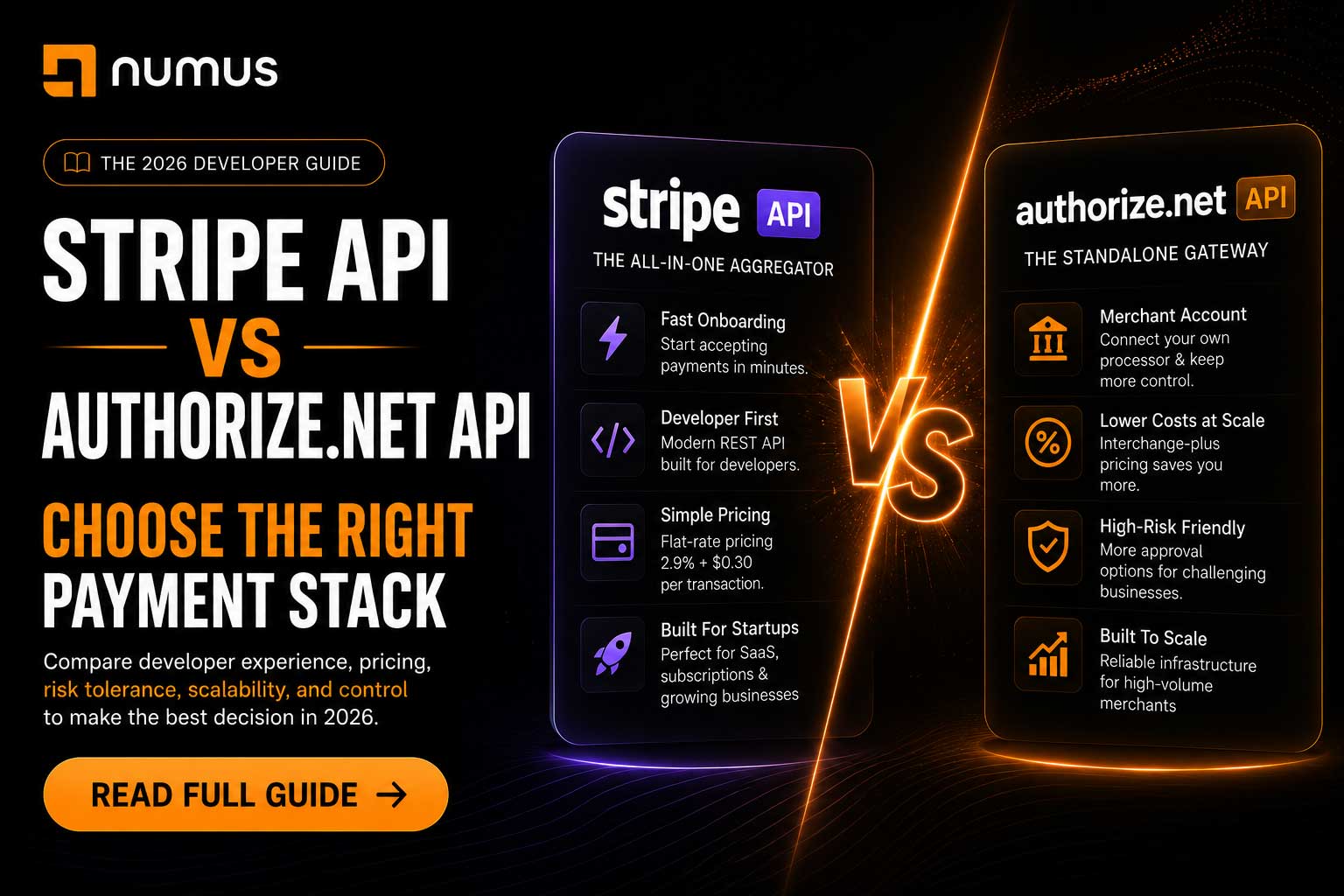
What is the difference between the Stripe API and the Authorize.Net API?
The primary difference lies in their architecture and business models. The Stripe API is a modern, RESTful aggregator API designed for maximum developer experience, offering instant onboarding but strict acceptable use policies. The Authorize.Net API is an older, robust gateway-only API that requires a separate merchant account, making it slightly more complex to integrate but essential for high-risk businesses, B2B merchants, and those requiring Interchange-Plus pricing.
For a software developer tasked with building a checkout flow, the choice of payment API dictates the architecture of the entire billing system. For the business owner, that same choice dictates processing fees, underwriting stability, and the ability to scale.
Stripe and Authorize.Net are two of the most widely used payment APIs in the world, but they serve entirely different purposes. This technical and business comparison breaks down the differences in integration, documentation, pricing, and risk tolerance to help you choose the right API for your project.
Table of Contents
- What is the difference between the Stripe API and the Authorize.Net API?
- Architectural Differences: Aggregator vs. Gateway
- Developer Experience and Documentation
- Pricing and Financial Control
- Risk Tolerance and Industry Restrictions
- Which API Should You Choose?
- Frequently Asked Questions (FAQ)
1. Architectural Differences: Aggregator vs. Gateway
Before comparing the code, you must understand the fundamental business difference between the two platforms.
Stripe: The All-in-One Aggregator
Stripe is a Payment Service Provider (PSP) or aggregator. When you integrate the Stripe API, you are integrating both the gateway (the software that transmits the data) and the processor (the financial engine that moves the money).
- The Result: You do not need a separate merchant account. You create a Stripe account, grab your API keys, and you can start charging cards immediately.
Authorize.Net: The Standalone Gateway
Authorize.Net (owned by Visa) is strictly a payment gateway. It is the software bridge between your application and the financial networks.
- The Result: You cannot process payments with just an Authorize.Net account. You must first obtain a dedicated merchant account from a payment processor (like Numus Payments, Chase, or First Data) and plug that merchant account’s credentials (the MID) into your Authorize.Net gateway.
2. Developer Experience and Documentation
From a pure engineering perspective, these two APIs represent different eras of software development.
The Stripe API Experience
Stripe is famous for having the best developer experience in the financial industry.
- Architecture: A beautifully designed, predictable REST API.
- Documentation: Stripe’s documentation is the gold standard. It features interactive code snippets in multiple languages (Node, Python, Ruby, Go) that automatically populate with your test API keys.
- Client-Side: Stripe Elements (their hosted UI components) make it incredibly easy to build a custom, PCI-compliant checkout form without raw card data ever touching your server.
- Testing: Stripe provides a robust CLI for testing webhooks locally and a comprehensive suite of test card numbers to simulate every possible edge case (declines, fraud, insufficient funds).
The Authorize.Net API Experience
Authorize.Net is older and more utilitarian. While they have modernized significantly, the legacy architecture is still visible.
- Architecture: They offer a REST-like API, but much of their legacy documentation still references XML and SOAP integrations.
- Documentation: The documentation is comprehensive but dense and less intuitive than Stripe’s. Finding the exact parameter you need for a complex transaction can require digging.
- Client-Side: Authorize.Net offers Accept.js (similar to Stripe Elements) to tokenize cards on the client side, keeping your PCI burden low.
- Testing: They provide a sandbox environment, but the tooling for testing webhooks and edge cases is less sophisticated than Stripe’s CLI.
3. Pricing and Financial Control
The developer experience is only half the equation. The financial implications of choosing one API over the other are massive.
Stripe Pricing (Flat-Rate)
Stripe charges a flat rate, typically 2.9% + $0.30 per transaction.
- Pros: Simple and predictable. No monthly gateway fees.
- Cons: Extremely expensive at scale. If you process $100,000 a month, you are paying Stripe a massive premium compared to wholesale rates.
Authorize.Net Pricing (Interchange-Plus)
Because Authorize.Net is just a gateway, your actual processing rate is determined by the dedicated merchant account you connect to it.
- Pros: You can secure Interchange-Plus pricing from your processor, which passes the true wholesale cost of the transaction to you. For a business processing $100,000 a month, using Authorize.Net with a dedicated merchant account can save thousands of dollars annually compared to Stripe.
- Cons: You will pay a monthly gateway fee to Authorize.Net (usually $25/month) plus a small per-transaction gateway fee (e.g., $0.10), in addition to your processor’s fees.
4. Risk Tolerance and Industry Restrictions
This is the most critical difference for many businesses. The best API in the world is useless if the company bans your account.
Stripe’s Strict Underwriting
Because Stripe is an aggregator offering instant onboarding, they manage risk aggressively using automated algorithms.
- The Problem: Stripe strictly prohibits high-risk industries (CBD, adult, firearms, travel, high-ticket coaching). Even if you are low-risk, a sudden spike in sales or a few chargebacks can trigger their algorithm to instantly freeze your funds and shut down your API access without warning.
Authorize.Net’s Flexibility
Authorize.Net is gateway-agnostic regarding risk. They do not care what you sell, as long as the merchant account connected to the gateway approves it.
- The Solution: If you are a high-risk merchant, you can obtain a high-risk merchant account from a specialized processor (like Numus Payments) and plug it into the Authorize.Net API. You get the stability of manual underwriting and the technical reliability of a Visa-owned gateway.
5. Which API Should You Choose?
Choose the Stripe API if:
- You are a startup prioritizing speed to market.
- You process less than $20,000 per month.
- You operate in a strictly low-risk industry (e.g., standard SaaS, low-ticket retail).
- You need complex, out-of-the-box subscription management (Stripe Billing is excellent).
Choose the Authorize.Net API if:
- You operate in a high-risk industry and need to connect a specialized high-risk merchant account.
- You process over $20,000 per month and want to save money with Interchange-Plus pricing.
- You want ownership of your merchant account and the ability to switch processors in the future without rewriting your entire gateway integration.
- You are a B2B company that needs to process Level 2 and Level 3 data to lower interchange costs.
6. Frequently Asked Questions (FAQ)
Can I migrate customer data from Stripe to Authorize.Net?
Yes. Both Stripe and Authorize.Net support PCI-compliant data migrations. If you decide to leave Stripe, you can request that they securely transfer your customers’ tokenized credit card data to Authorize.Net, allowing you to maintain active subscriptions without asking customers to re-enter their cards.
Does Authorize.Net support Apple Pay and Google Pay?
Yes. The Authorize.Net API supports digital wallets, including Apple Pay, Google Pay, and PayPal, allowing you to offer a modern checkout experience.
Is Authorize.Net PCI compliant?
Yes. By using Authorize.Net’s Accept.js or Hosted Payment forms, the raw credit card data is transmitted directly to Authorize.Net’s servers, bypassing your application. This keeps your PCI compliance burden at the lowest possible level (SAQ A or SAQ A-EP).