
What is API rate limiting and throttling?
API rate limiting is a mechanism that payment processors use to restrict the number of API requests a merchant can make within a specific time period (e.g., 100 requests per second). Throttling is the process of slowing down or rejecting requests that exceed the rate limit. Rate limiting protects the processor’s infrastructure from being overwhelmed by excessive requests and prevents abuse. Developers must implement proper error handling and retry logic to gracefully handle rate limit responses.
If you are building a payment integration, you will inevitably encounter rate limits. Understanding how to handle them properly is critical to building a robust payment system.
This guide explains how rate limiting works, why processors implement it, and the best practices for handling rate limits in your code.
Table of Contents
- What is API rate limiting and throttling?
- Why Payment Processors Implement Rate Limits
- Understanding Rate Limit Responses
- Implementing Proper Rate Limit Handling
- Common Rate Limit Mistakes
- Frequently Asked Questions (FAQ)
1. Why Payment Processors Implement Rate Limits
Payment processors implement rate limits for several reasons.
Reason 1: Infrastructure Protection
Without rate limits, a single merchant could send millions of requests per second, overwhelming the processor’s servers and causing outages for all merchants.
Reason 2: Abuse Prevention
Rate limits prevent merchants from using the API for unintended purposes (like brute-force attacks or scraping).
Reason 3: Fair Resource Allocation
Rate limits ensure that high-volume merchants do not monopolize the processor’s resources, leaving nothing for smaller merchants.
Reason 4: Cost Control
Each API request consumes server resources. Rate limits help processors control their infrastructure costs.
2. Understanding Rate Limit Responses
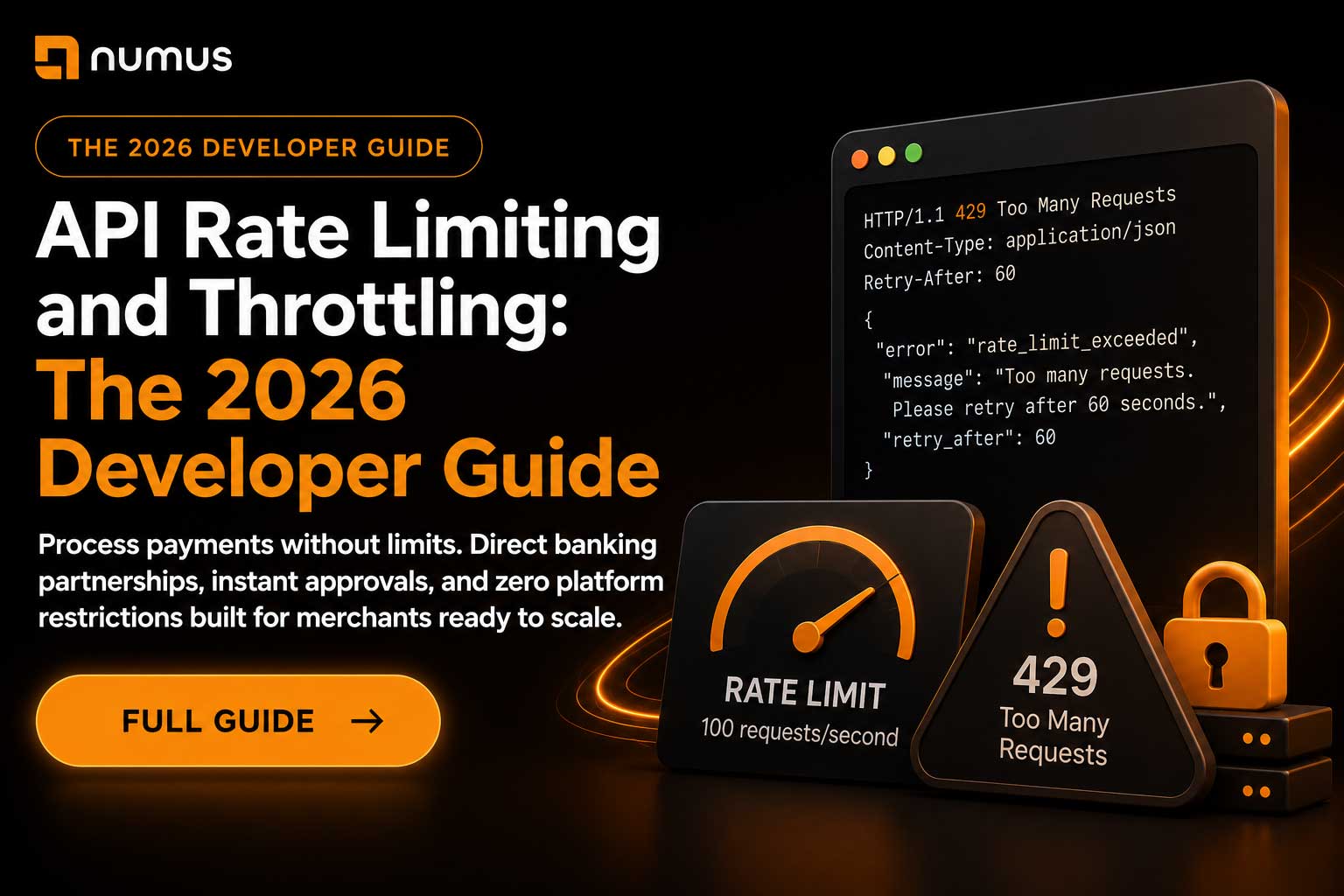
When you exceed a rate limit, the processor returns an HTTP 429 (Too Many Requests) response.
The HTTP 429 Response
HTTP/1.1 429 Too Many Requests
Content-Type: application/json
Retry-After: 60

{
  "error": "rate_limit_exceeded",
  "message": "Too many requests. Please retry after 60 seconds.",
  "retry_after": 60
}
Key Information
- HTTP Status Code: 429 indicates a rate limit.
- Retry-After Header: Indicates how long to wait (in seconds) before retrying.
- Error Message: Explains the rate limit.
3. Implementing Proper Rate Limit Handling
To handle rate limits gracefully, you must implement proper error handling and retry logic.
Strategy 1: Exponential Backoff
When you encounter a rate limit, wait before retrying. Increase the wait time exponentially with each retry.
import time
import requests

def make_request_with_backoff(url, max_retries=5):
    for attempt in range(max_retries):
        try:
            response = requests.post(url, json=data)
            if response.status_code == 429:
                wait_time = 2 ** attempt  # 1, 2, 4, 8, 16 seconds
                print(f"Rate limited. Waiting {wait_time} seconds...")
                time.sleep(wait_time)
                continue
            return response
        except Exception as e:
            print(f"Error: {e}")
            return None
    return None
Strategy 2: Respect the Retry-After Header
If the processor provides a Retry-After header, respect it. Do not retry before the specified time.
def make_request_with_retry_after(url):
    response = requests.post(url, json=data)
    if response.status_code == 429:
        retry_after = int(response.headers.get('Retry-After', 60))
        print(f"Rate limited. Retrying after {retry_after} seconds...")
        time.sleep(retry_after)
        return make_request_with_retry_after(url)
    return response
Strategy 3: Queue and Batch Requests
If you need to make many requests, queue them and process them in batches, respecting the rate limit.
from queue import Queue
import time

request_queue = Queue()
rate_limit = 100  # requests per second
request_interval = 1.0 / rate_limit

last_request_time = 0

def process_queue():
    global last_request_time
    while not request_queue.empty():
        request = request_queue.get()
        current_time = time.time()
        time_since_last_request = current_time - last_request_time
        if time_since_last_request < request_interval:
            time.sleep(request_interval - time_since_last_request)
        make_request(request)
        last_request_time = time.time()
4. Common Rate Limit Mistakes
- Not Respecting Retry-After: Ignoring the Retry-After header and retrying immediately.
- No Backoff Strategy: Retrying at a fixed interval instead of using exponential backoff.
- Infinite Retries: Retrying forever without a maximum retry limit.
- Not Logging Rate Limits: Failing to log rate limit events for debugging.
5. Frequently Asked Questions (FAQ)
What are typical rate limits for payment processors?
Stripe allows 100 requests per second. Authorize.Net allows 20 requests per second. NMI allows 10 requests per second. Check your processor’s documentation for specific limits.
Should I implement rate limiting on my own servers?
Yes. If you are building a payment platform with multiple merchants, implement rate limiting to prevent any single merchant from overwhelming your system.
What is the difference between rate limiting and throttling?
Rate limiting is the policy (e.g., “100 requests per second”). Throttling is the enforcement mechanism (slowing down or rejecting requests that exceed the limit).