

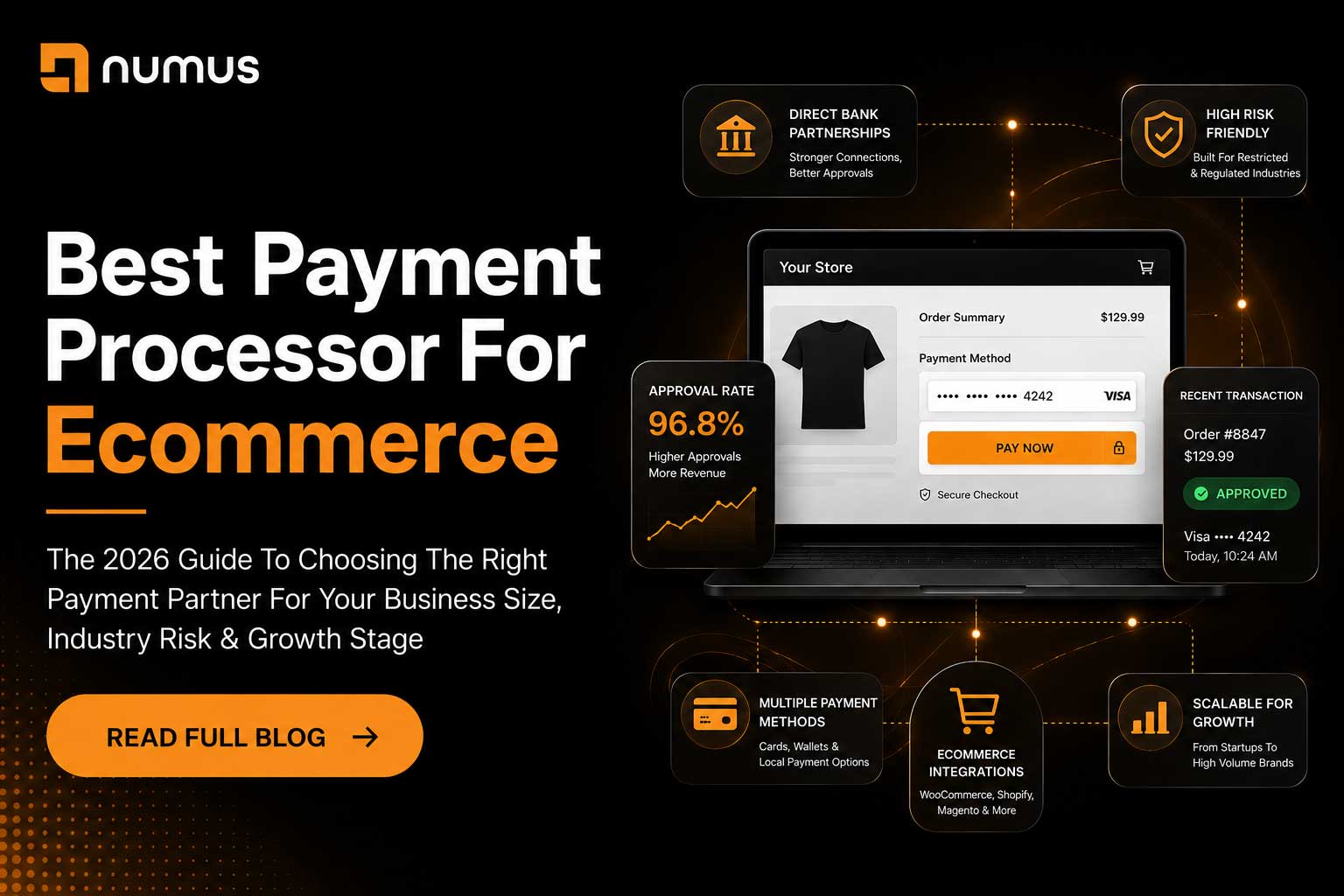
What is the best payment processor for ecommerce?
The best payment processor for ecommerce depends entirely on your business size, risk profile, and technical capabilities. For startups and low-risk merchants, Stripe and Shopify Payments offer the easiest integration. For scaling businesses processing over $20,000/month, a dedicated merchant account with Interchange-Plus pricing (like Numus Payments or Authorize.Net) is the most cost-effective. For high-risk industries, specialized processors are mandatory to avoid account freezes.
Choosing the right payment processor is one of the most consequential decisions an ecommerce founder will make. The wrong choice can result in exorbitant fees, terrible checkout conversion rates, or worse—having your funds frozen for 180 days.
Because there is no single “best” processor for every business, this guide categorizes the top ecommerce payment processors based on business size, industry risk, and specific use cases, helping you choose the exact right partner for your store.
Table of Contents
- What is the best payment processor for ecommerce?
- Best for Startups and Low-Risk Merchants: The Aggregators
- Best for Scaling Businesses ($20k+ / Month): Dedicated Merchant Accounts
- Best for High-Risk Ecommerce: Specialized Processors
- Key Features to Look For in an Ecommerce Processor
- Frequently Asked Questions (FAQ)
1. Best for Startups and Low-Risk Merchants: The Aggregators
If you are just launching your store, process less than $10,000 a month, and sell standard, low-risk physical goods (like t-shirts or home decor), you should prioritize ease of setup over processing rates.
Stripe
Stripe is the undisputed king of developer-friendly payment processing.
- Pros: Incredible API documentation; seamless integration with almost every ecommerce platform (WooCommerce, Magento, BigCommerce); excellent checkout UI (Stripe Elements) that keeps customers on your site; supports dozens of international payment methods.
- Cons: Flat-rate pricing (2.9% + $0.30) becomes very expensive at scale; aggressive automated risk algorithms that frequently freeze accounts without human review; strictly prohibits high-risk industries.
- Best For: Tech-savvy startups, SaaS companies, and low-risk merchants who want a beautiful checkout experience.
Shopify Payments
If you use Shopify to host your store, Shopify Payments (which is white-labeled Stripe) is the default choice.
- Pros: Zero setup required; deeply integrated into the Shopify dashboard; waives Shopify’s additional transaction fees.
- Cons: Same strict underwriting and high-risk prohibitions as Stripe; you are locked into the Shopify ecosystem.
- Best For: Low-risk merchants exclusively using the Shopify platform.
PayPal Checkout
While not ideal as a primary processor due to high fees and frequent account freezes, PayPal is essential as an alternative payment method.
- Pros: Massive consumer trust; offering PayPal at checkout can increase conversion rates by up to 20% because customers don’t have to type in their credit card numbers.
- Cons: Terrible customer service; notorious for 180-day fund holds; expensive flat-rate pricing.
- Best For: Every ecommerce store should offer PayPal as a secondary option, but rarely as the sole processor.
2. Best for Scaling Businesses ($20k+ / Month): Dedicated Merchant Accounts
Once your ecommerce store is generating consistent revenue, the flat-rate pricing of Stripe and PayPal becomes a massive financial drain. At this stage, you must graduate to a dedicated merchant account offering Interchange-Plus pricing.
Authorize.Net (Gateway) + Dedicated Merchant Account
Authorize.Net is not a processor; it is a payment gateway. However, it is the industry standard for connecting a dedicated merchant account to an ecommerce store.
- Pros: You can plug almost any dedicated merchant account (from processors like Chase, First Data, or Numus Payments) into Authorize.Net. This allows you to secure wholesale Interchange-Plus pricing, saving you thousands of dollars a year compared to Stripe. It integrates with every major ecommerce platform.
- Cons: Requires a two-step setup (getting the merchant account, then connecting the gateway); the UI is slightly dated compared to Stripe.
- Best For: Established, scaling ecommerce businesses looking to drastically reduce their processing fees.
Braintree (A PayPal Service)
Braintree offers a middle ground between the ease of an aggregator and the features of a dedicated account.
- Pros: Excellent developer tools; allows you to accept PayPal, Venmo, and credit cards through a single integration; offers Interchange-Plus pricing for high-volume merchants.
- Cons: Still operates under PayPal’s strict underwriting rules, meaning high-risk businesses are prohibited.
- Best For: Mid-market ecommerce brands that want Stripe-like technology but need better pricing and native PayPal integration.
3. Best for High-Risk Ecommerce: Specialized Processors
If you sell CBD, nutraceuticals, adult products, vape accessories, or high-ticket coaching, you are classified as “high-risk.” If you use Stripe, Shopify Payments, or PayPal, your account will eventually be shut down. You must use a specialized high-risk processor.
Numus Payments
Numus Payments specializes in underwriting and supporting high-risk ecommerce businesses that standard aggregators reject.
- Pros: Manual underwriting ensures your account will not be suddenly frozen by an algorithm; deep expertise in high-risk compliance (CBD, nutraceuticals, etc.); transparent Interchange-Plus pricing; integrates seamlessly with high-risk gateways like NMI.
- Cons: The application process takes 3 to 5 days (no instant approval); requires comprehensive documentation.
- Best For: Any ecommerce business operating in a restricted or highly regulated industry.
NMI (Network Merchants Inc.)
Like Authorize.Net, NMI is a payment gateway, but it is specifically built for high-risk ecommerce.
- Pros: Features advanced load balancing and multi-MID routing. If you have multiple high-risk merchant accounts to spread your volume, NMI can automatically route transactions between them to prevent you from hitting volume caps.
- Cons: Complex setup; requires a dedicated high-risk merchant account to function.
- Best For: High-volume, high-risk ecommerce merchants who need complex payment routing.
4. Key Features to Look For in an Ecommerce Processor
When evaluating processors, look beyond just the processing rate. Consider these critical features:
- Tokenization: Does the processor securely vault customer credit cards so they can make one-click purchases in the future?
- Fraud Protection: Do they offer advanced fraud filters (like 3D Secure, AVS, and velocity checks) to protect you from chargebacks?
- Platform Integration: Does the processor have a pre-built plugin for your specific ecommerce platform (WooCommerce, BigCommerce, Magento), or will you need to hire a developer to build a custom API integration?
- Portability: If you decide to leave the processor, will they export your customers’ tokenized credit card data to your new processor, or will they hold your data hostage? (Stripe and Braintree allow exports; PayPal generally does not).
5. Frequently Asked Questions (FAQ)
Can I use multiple payment processors on my ecommerce site?
Yes. Many large ecommerce sites use a primary processor for credit cards (e.g., a dedicated merchant account via Authorize.Net) and offer alternative methods like PayPal, Apple Pay, or Klarna alongside it to maximize conversion rates.
What is the cheapest payment processor for ecommerce?
There is no single “cheapest” processor. For businesses processing under $10,000/month, flat-rate processors (Stripe/Square) are usually cheapest because they have no monthly fees. For businesses processing over $20,000/month, a dedicated merchant account with Interchange-Plus pricing is mathematically the cheapest option.
Why did Shopify Payments hold my funds?
Shopify Payments is powered by Stripe. If their automated risk algorithms detect a spike in sales, a high chargeback ratio, or suspect you are selling prohibited items, they will freeze your funds to cover potential liabilities. If this happens, you must migrate to a dedicated merchant account.