

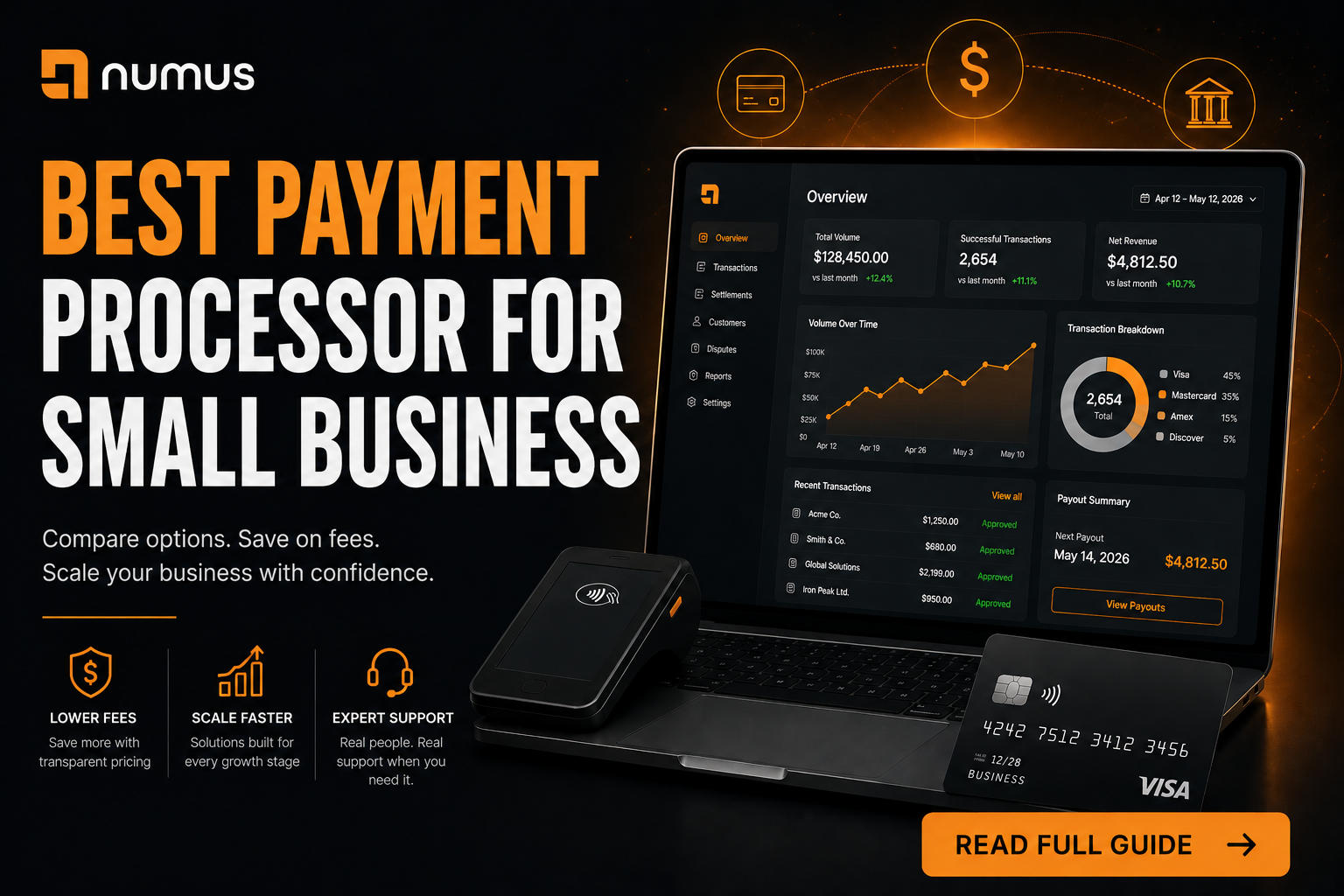
What is the best payment processor for a small business?
The best payment processor for a small business depends on its size and industry. Startups processing under $10,000/month should use aggregators like Stripe or Square for flat-rate simplicity. Growing businesses processing over $10,000/month should switch to a dedicated merchant account with Interchange-Plus pricing to lower costs. High-risk businesses must use specialized processors regardless of volume.
Choosing the right payment processor is one of the most consequential financial decisions a small business owner will make. The wrong choice can result in thousands of dollars in unnecessary fees, broken checkout experiences, or, worst of all, frozen funds that cripple your cash flow.
The payment processing landscape in 2026 is crowded with options, all claiming to be the “best.” This guide cuts through the marketing jargon to help you identify the ideal payment partner based on your specific business model, processing volume, and risk profile.
Table of Contents
- What is the best payment processor for a small business?
- The Two Main Types of Payment Processors
- Top Payment Processors for Small Businesses in 2026
- How to Choose the Right Processor for Your Business
- Frequently Asked Questions (FAQ)
The Two Main Types of Payment Processors
Before comparing specific brands, you must understand the two fundamental types of payment providers available to small businesses.
1. Payment Aggregators (Payment Service Providers – PSPs)
Aggregators like Stripe, Square, and PayPal pool your transactions with millions of other businesses under their own master merchant account.
- Best For: Brand new startups, micro-businesses, seasonal sellers, and businesses processing less than $10,000 per month.
- Pros: Instant approval (no underwriting upfront); no monthly fees; simple flat-rate pricing; excellent developer tools.
- Cons: Most expensive option at scale; high risk of sudden account freezes or terminations; poor customer support.
2. Dedicated Merchant Accounts
Traditional processors provide you with your own unique merchant ID (MID) after a thorough underwriting process.
- Best For: Established businesses, companies processing over $10,000 per month, B2B companies, and any business in a high-risk industry.
- Pros: Significantly lower processing fees (via Interchange-Plus pricing); high account stability; dedicated account managers; customized solutions.
- Cons: Requires an application and underwriting process (takes 2-5 days); may have monthly account fees.
Top Payment Processors for Small Businesses in 2026
Here is a breakdown of the best options based on specific business needs.
1. Stripe: Best for Tech-Savvy Startups and Ecommerce
Stripe remains the dominant force for online startups. Its API-first approach makes it the favorite among developers for building custom checkout experiences.
- Pricing: 2.9% + $0.30 per online transaction (Flat-rate).
- Pros: Unmatched developer tools; seamless integration with almost every ecommerce platform (Shopify, WooCommerce); supports global payments and subscriptions.
- Cons: Not suitable for high-risk industries; customer support can be slow; expensive for high-volume merchants.
2. Square: Best for Omnichannel and Retail
If you have a physical storefront but also sell online, Square is the undisputed leader. Their POS hardware is sleek, and their software ecosystem is incredibly robust.
- Pricing: 2.6% + $0.10 for in-person; 2.9% + $0.30 for online (Flat-rate).
- Pros: Excellent POS hardware; free basic POS software; built-in inventory and employee management; easy to set up.
- Cons: Flat-rate pricing becomes expensive as you grow; not designed for high-risk or complex B2B models.
3. Helcim: Best for Multi-Channel and B2B
Helcim bridges the gap between modern software and traditional merchant accounts. They offer dedicated merchant accounts with transparent pricing.
- Pricing: Interchange-Plus (e.g., Interchange + 0.50% + $0.25). Rates automatically decrease as your volume grows.
- Pros: 100% transparent Interchange-Plus pricing; no monthly fees; excellent customer service; great tools for B2B (invoicing, virtual terminals).
- Cons: The underwriting process takes a few days; not suitable for high-risk industries.
4. Numus Payments: Best for High-Risk and Scaling Businesses
If your business operates in a regulated industry (CBD, gaming, supplements) or utilizes a high-risk model (high-ticket coaching, subscriptions), standard processors will eventually shut you down. Numus Payments specializes in securing stable, dedicated merchant accounts for these verticals.
- Pricing: Customized Interchange-Plus pricing based on risk profile and volume.
- Pros: Guaranteed account stability for high-risk industries; dedicated account managers; chargeback mitigation tools; high-volume discounts.
- Cons: Requires a thorough underwriting process; not designed for micro-businesses processing under $5,000/month.
How to Choose the Right Processor for Your Business
Do not just pick the processor with the best marketing. Evaluate your options based on these four criteria:
1. Calculate Your True Cost (Volume Matters)
If you process $5,000 a month, the simplicity of Stripe’s 2.9% flat rate is worth it. If you process $50,000 a month, that same flat rate is costing you thousands of dollars in unnecessary markup. Once you cross the $10,000/month threshold, you must switch to a processor offering Interchange-Plus pricing to optimize your margins.
2. Assess Your Risk Profile
This is the most critical step. If you sell CBD, run a travel agency, or sell $5,000 coaching packages, you are high-risk. Do not apply to Stripe or Square. They will approve you instantly, let you process for a few weeks, and then freeze your funds when their algorithms catch up. You must seek out a specialized high-risk processor immediately.
3. Evaluate Integration Needs
Your payment processor must integrate seamlessly with your existing software stack. If you use Shopify, you need a processor that connects to their gateway. If you use QuickBooks for accounting, ensure your processor offers a direct sync to avoid manual data entry.
4. Read the Contract Carefully
If you opt for a dedicated merchant account, scrutinize the Merchant Processing Agreement (MPA).
- Demand Month-to-Month: Never sign a 3-year lock-in contract.
- Check for ETFs: Ensure there is no Early Termination Fee (ETF) or liquidated damages clause.
- Verify Pricing: Confirm the contract explicitly states “Interchange-Plus” pricing, not “Tiered” pricing.
The “Graduation” Strategy
The smartest strategy for a growing small business is to “graduate” through processors as you scale:
- Phase 1 (Startup: $0 – $10k/mo): Use Stripe or Square. The fast setup and lack of monthly fees are perfect for testing your business model.
- Phase 2 (Growth: $10k – $50k/mo): Graduate to a dedicated merchant account with Interchange-Plus pricing to lower your per-transaction costs.
- Phase 3 (Scale: $50k+/mo): Renegotiate your Interchange-Plus markup with your processor, or shop your statements around to competitors to drive your rates down further.
Frequently Asked Questions (FAQ)
What is the cheapest payment processor for a small business?
For micro-businesses (under $5,000/month), aggregators with no monthly fees (like Square) are cheapest. For established businesses (over $10,000/month), a dedicated merchant account with Interchange-Plus pricing is always the cheapest option.
Can I use multiple payment processors?
Yes, and it is often recommended for redundancy. Many businesses use one processor for their primary ecommerce sales and another (like PayPal) as an alternative checkout option to increase conversion rates.
How long does it take to switch payment processors?
If you are switching to a dedicated merchant account, the underwriting and setup process takes about 3 to 7 days. You should keep your old processor active until the new one is fully integrated and tested to avoid any downtime.